NVIDIA DGX Spark
On DGX Spark, an AI workspace ready out of the box
Tuned for DGX Spark and installed from a single file. The platform recognises the machine and its unified memory, and your team runs large language models, vision training and many other applications from the browser, with computing and data staying in-house.
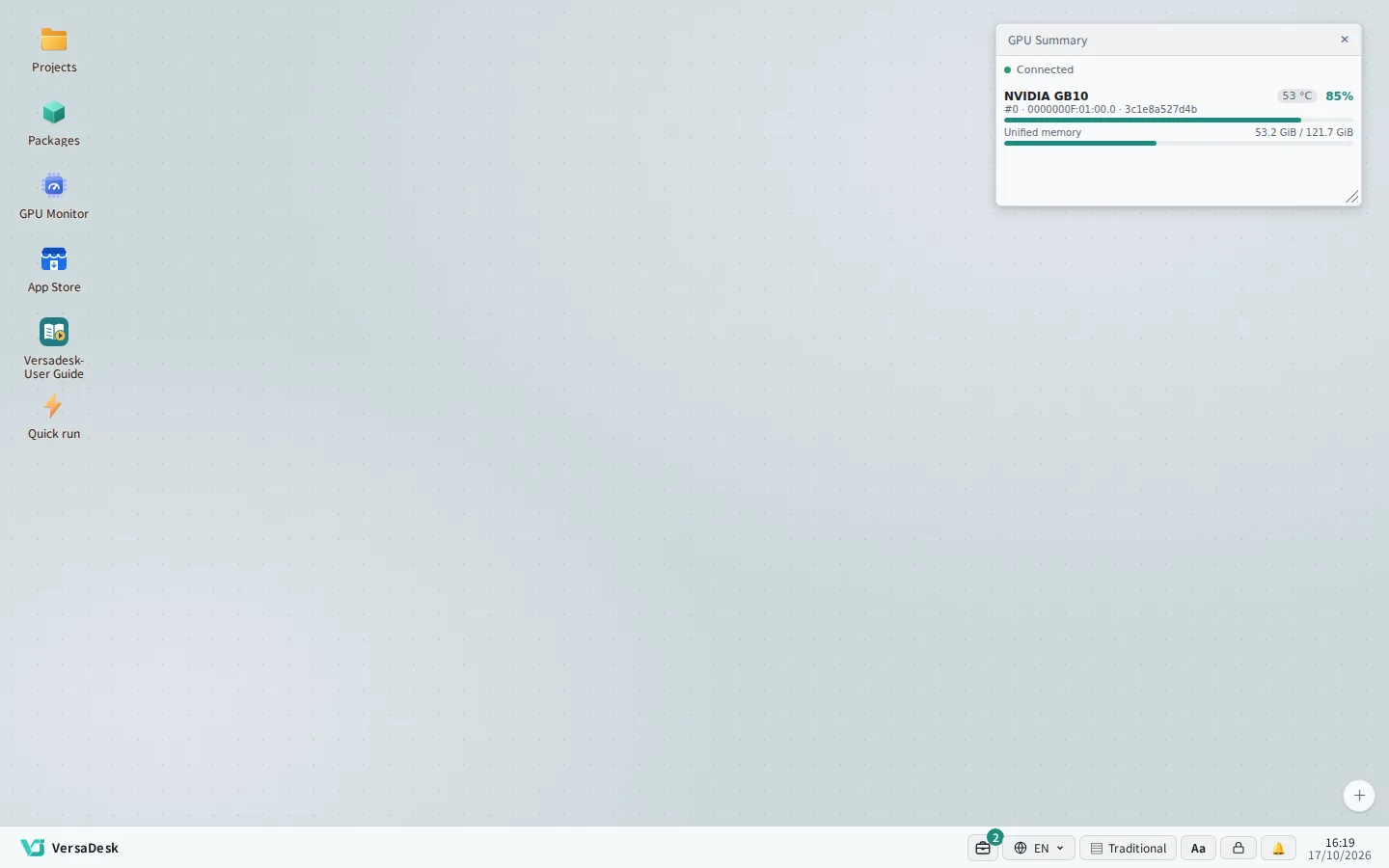
The platform recognises DGX Spark; GB10 and unified memory use show right on the desktop.
TUNED FOR SPARK
Tuned for DGX Spark, no fiddly setup
When the platform detects a GB10 chip, it applies settings suited to DGX Spark, so administrators need not study GPU parameters.
-
Recognises the machine
Machine details show DGX Spark, the DGX OS version and the unified memory size.
-
Unified memory, managed together
The GPU and the system share one memory pool; the platform keeps what the system needs and gives the rest to tasks.
-
DGX OS update reminders
When NVIDIA releases a new DGX OS, the maintenance console reminds administrators to update.
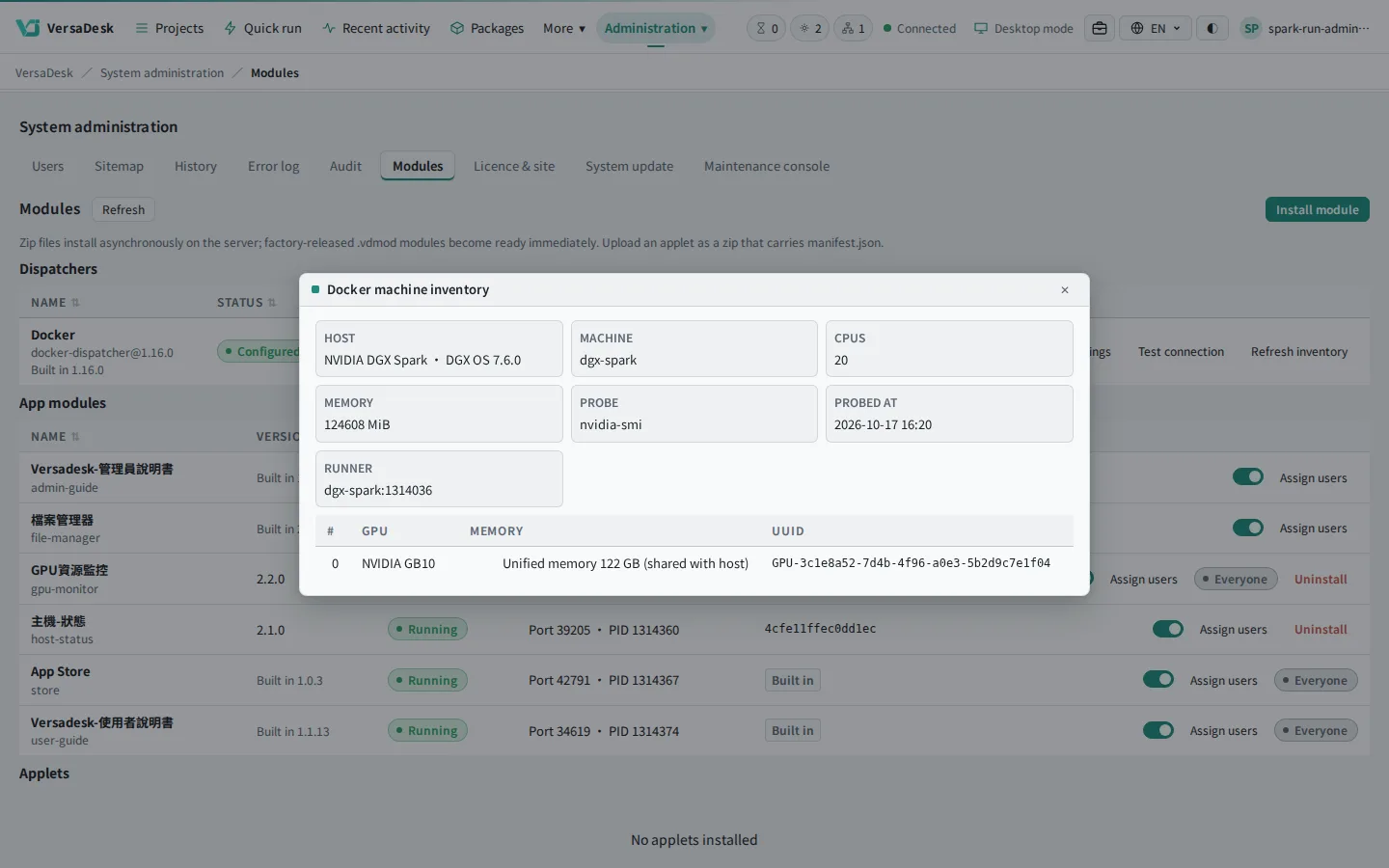
Machine details show NVIDIA DGX Spark, the DGX OS version and unified memory automatically.
When one task uses too much, only that task stops
All tasks share the unified memory. If a task goes over its setting, or free memory nears the system reserve, the platform stops that task and records why; other tasks and the platform keep running.
- Chat model
- Vision training
- Notebook
- Runaway task
- System reserve
EASY SETUP
One installer, a few steps to go live
Run one command on DGX Spark, then finish the setup wizard in the browser. The database and other services are created by the platform; there is nothing else to install.
- ✓ Check the machine architecture
- ✓ Prepare Docker
- ✓ Install the platform and maintenance console
- ✓ Start automatically at boot
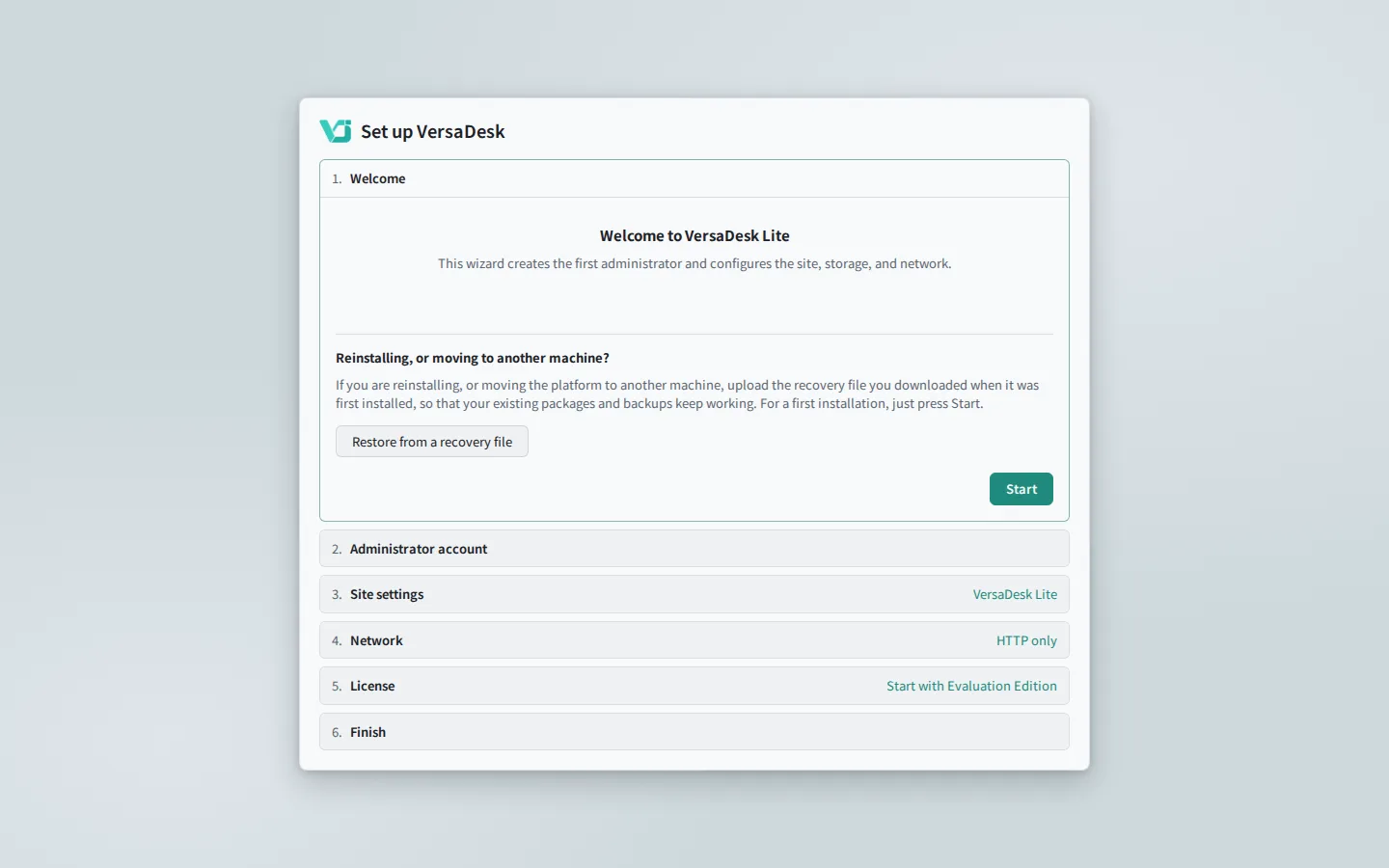
The address opens the setup wizard.
-
01
Download the installer
One file holds the platform and the maintenance console.
-
02
Run one command
The installer checks the environment and completes the setup.
-
03
Finish in the browser
The wizard creates the administrator and sets up the site and network.
-
04
Update online
New releases install from the web interface.
WHAT YOU CAN RUN
One DGX Spark, for the whole team
Install packages from the App Store: large language models, vision, AI notebooks, speech and automation all run on the same machine, and each member uses them from the browser.
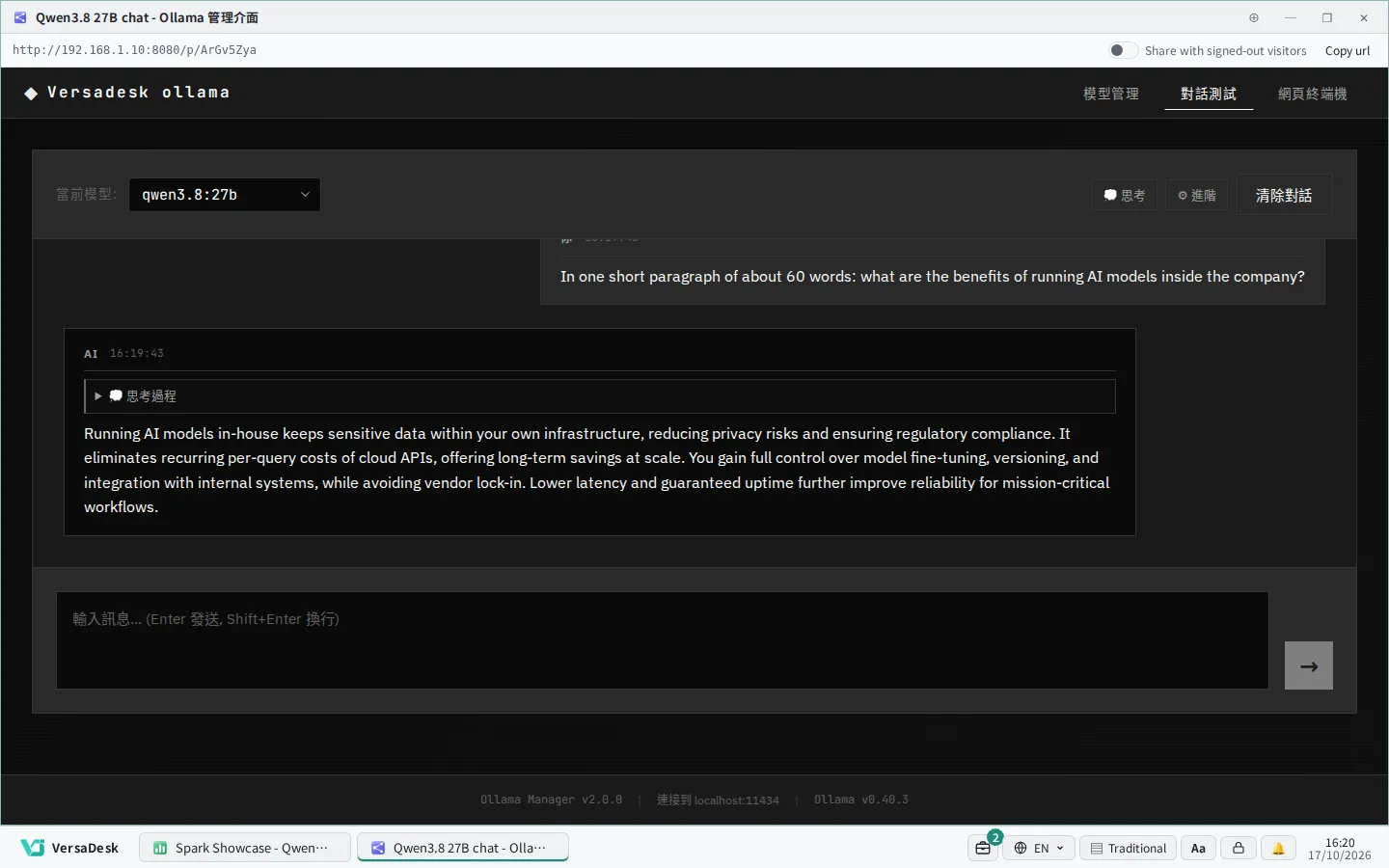
Qwen3.8 27B runs locally; conversations stay in-house.
Beyond the official packages, your own Runbook can run your own code. About custom Runbooks
Get started with VersaDesk Lite
NVIDIA, DGX Spark and GB10 are trademarks or registered trademarks of NVIDIA Corporation.